Original Cabinet Plans
The build that started ArcadeCab: a complete full-size MAME cabinet documented step by step.
These are the arcade-related projects I've documented over the years. Some are still directly useful today; others are snapshots of the hardware and software we were using at the time. I've kept both.
The four projects I'd recommend starting with.
The build that started ArcadeCab: a complete full-size MAME cabinet documented step by step.
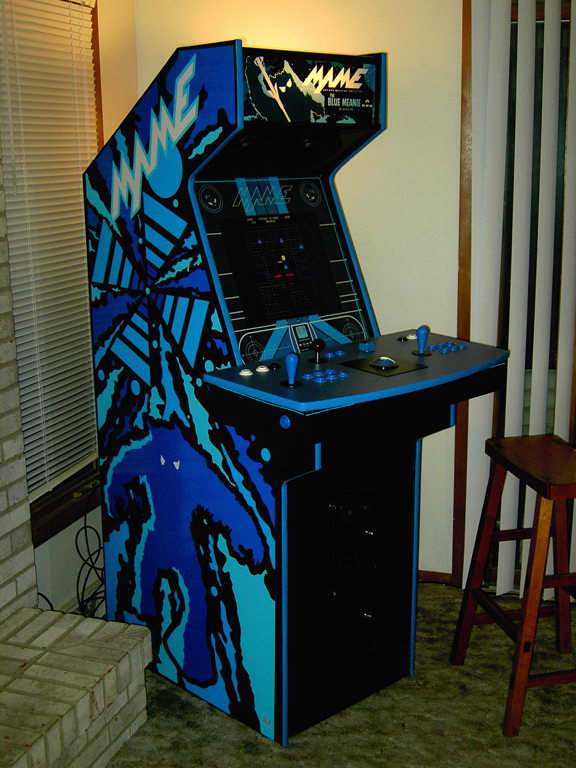
The second full-size cabinet build, with more detail and a newly refreshed high-resolution printable PDF.
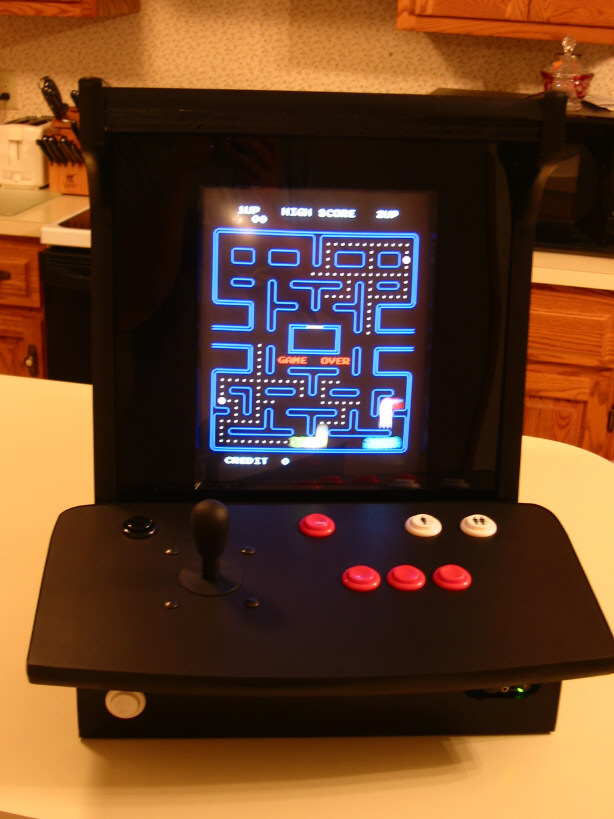
A compact tabletop cabinet project with a complete printable build document.

Free plans for the Ultra-Trackball design and the single-player control panel.
Shown newest-first while retaining the original project descriptions and destinations. Older software projects are intentionally preserved as historical references.

Craig Daines provided layouts for use with Mamewah and CPViewer for TankStick users.
Open project →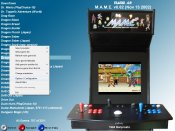
A very brief page describing some important settings in my MaLa setup.
Open project →
How I set up Daphne to run Dragon's Lair on my updated PC, including the needed frame files and DLCDROM files.
Open project →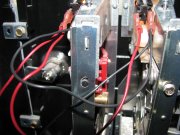
My newer method for keeping the coin-door lights powered.
Open project →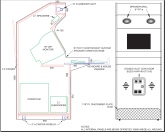
Thierry converted the second set of plans to metric and allowed them to be posted here for your use. PDF, DWG and JPG formats are provided.
Open project →
This PDF document contains the same pages as found in the Cabinet Plans 2 section , only without the full page pictures. For ease of printing
Open project →
Craig Daines has provided layouts to be used with Mamewah and CPViewer for users of the TankStick
Open project →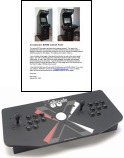
I have included the changes necessary to incorporate the TankStick into ArcadeCab's Cabinet Design
Open project →
I detail how to construct a Ultra-Trackball controller using my original design. These plans also work for the popular single-player panels. As always, these plans are free!
Open project →
This shows how I, long ago, fixed the issue of my X-arcade shifting during heavy game play
Open project →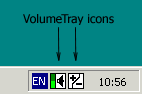
I needed to be able to adjust game volume from MAME from the control panel. This application solved that issue
Open project →
Steve Welander details the external power switch he added to his Dream Arcade Cocktail
Open project →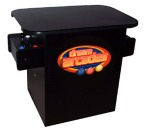
Steve Welander describes the construction of his contest prize
Open project →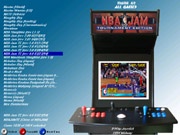
See what my new layout looks like, how I created it, and download it's components
Open project →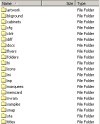
I have listed where to find the MAME support files. Hopefully this will help some of you
Open project →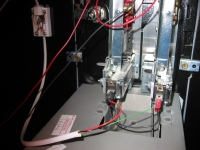
A run-through of how to wire your coin door lights and the coin inputs so as to operate on coins only
Open project →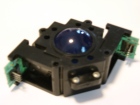
I've finally gotten around to cleaning a used Happ trackball from an ebay auction a while back
Open project →
I've upgraded the trackball in my personal control panel with these upgraded encoder wheels. See if they make a difference for me
Open project →
I am toying with making all my MP3s available through the home stereo and being controlled via any PC in the house. Here is how I am doing it
Open project →
I added the Z26 emulator to my Mamewah installation on the cabinet and love it!
Open project →
This document explains how to simply get the newest release of Mamewah installed
Open project →
These are my thoughts of the installation process of Mamewah . It is a replacement for MAME32 on my cabinet. New * Now includes a "How-to install" section
Open project →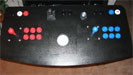
This was my first attempt at a custom controller, which replaced the X-arcade. It has proved to be extraordinarily durable and has provided endless fun
Open project →
This project used an unused Pentium 75 and 15" monitor, along with leftover plywood and other materials. A PDF document of the procedure is also available
Open project →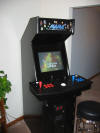
This was my introduction to the MAME scene. The cabinet originally was built specifically for the X-arcade controller. After six months, I felt confident enough to build the controller I use currently
Open project →