Starting Out
To begin, lay your 4×8 sheet out on two sawhorses. Taking the measurements, draw out the cabinet on the sheet. Take your time; everything can be drawn using the supplied measurements.
The order I made my cuts is shown in the diagram. This isn't necessarily the optimum order; it is simply what worked best for me. You can refer to the cut numbers as you read through the description.

Click any construction photo to open the original full-size image.
Cuts 1–2: Top and Angled Back
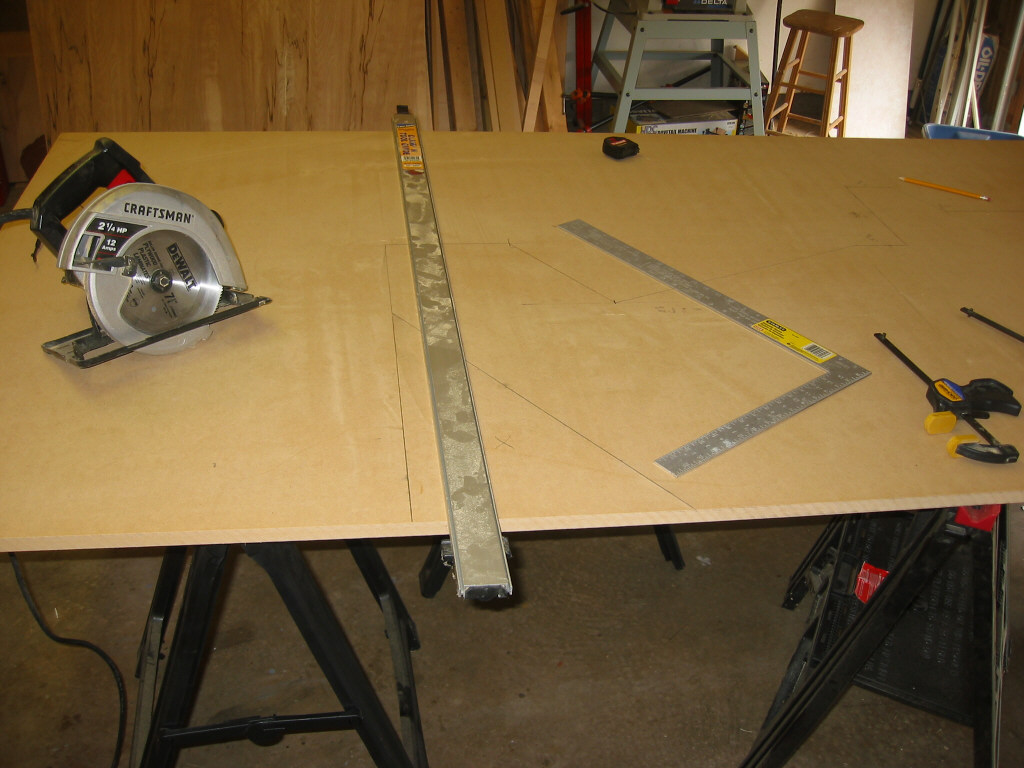
The first cut (#1) was made with the circular saw. I cut the excess material from the top of the board, lining the cut up with the very top of the cabinet (72" from the base). See picture C.
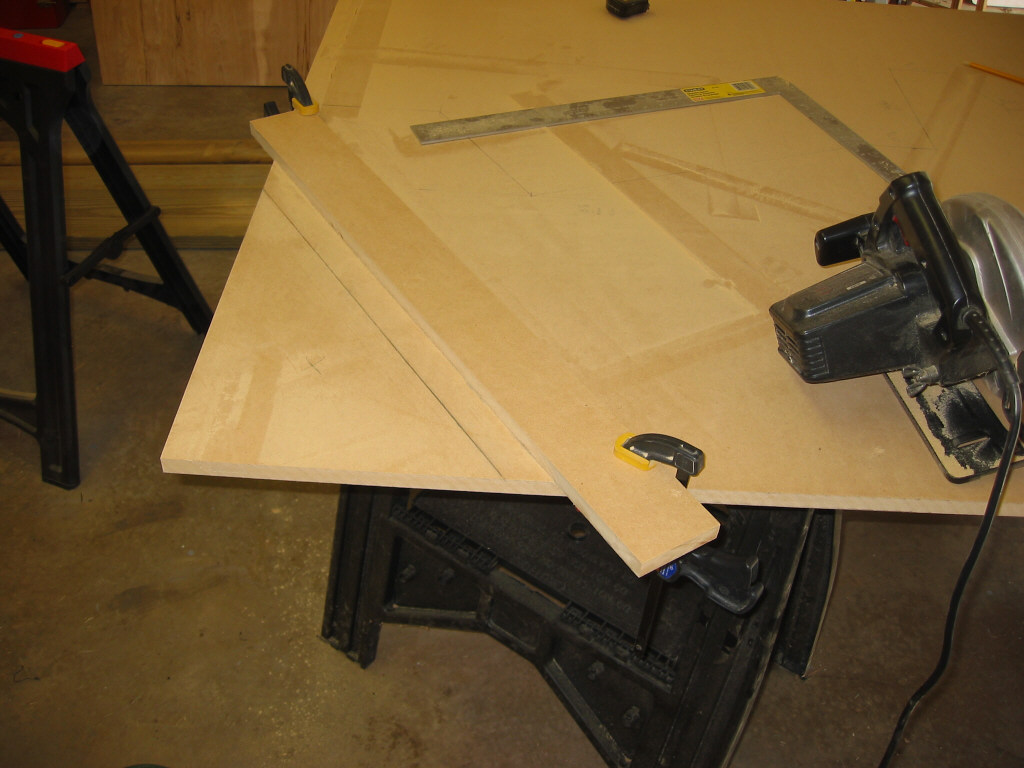
The second cut was the angled back of the cabinet. Picture D shows the setup for the cut.

Cuts 3–6: Marquee and Controller Area
The marquee area was the next circular-saw cut (#3). I cut straight down, going past the marquee area. E shows the setup, and H shows how far down I cut. This gave me less excess material to deal with later.
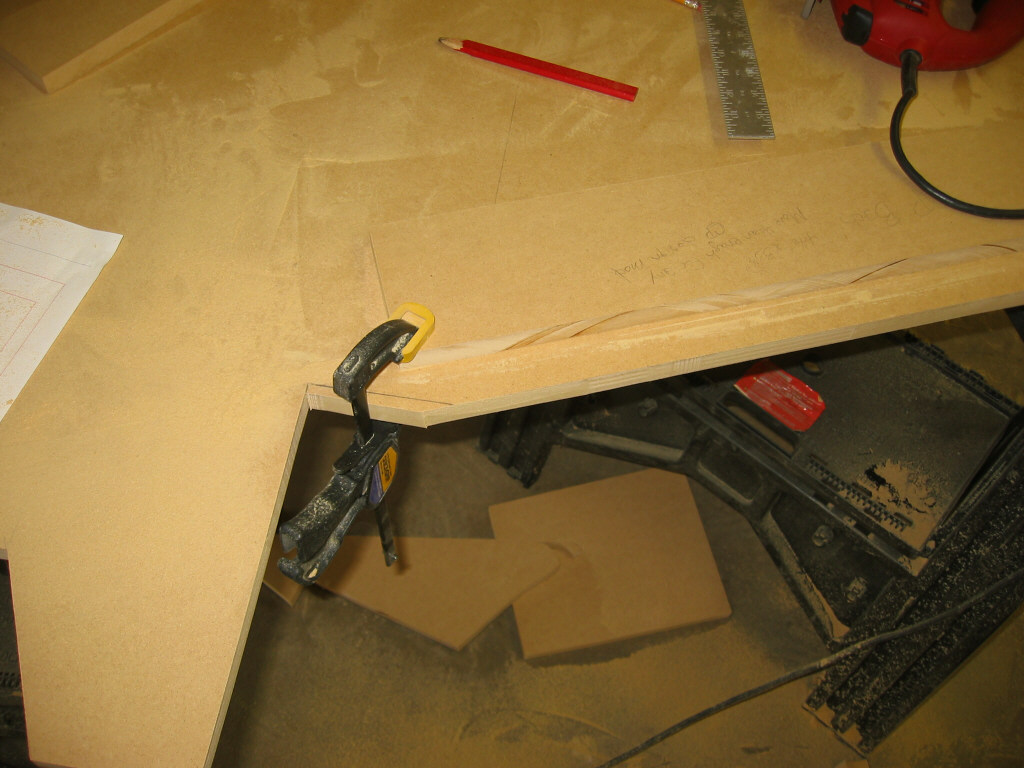
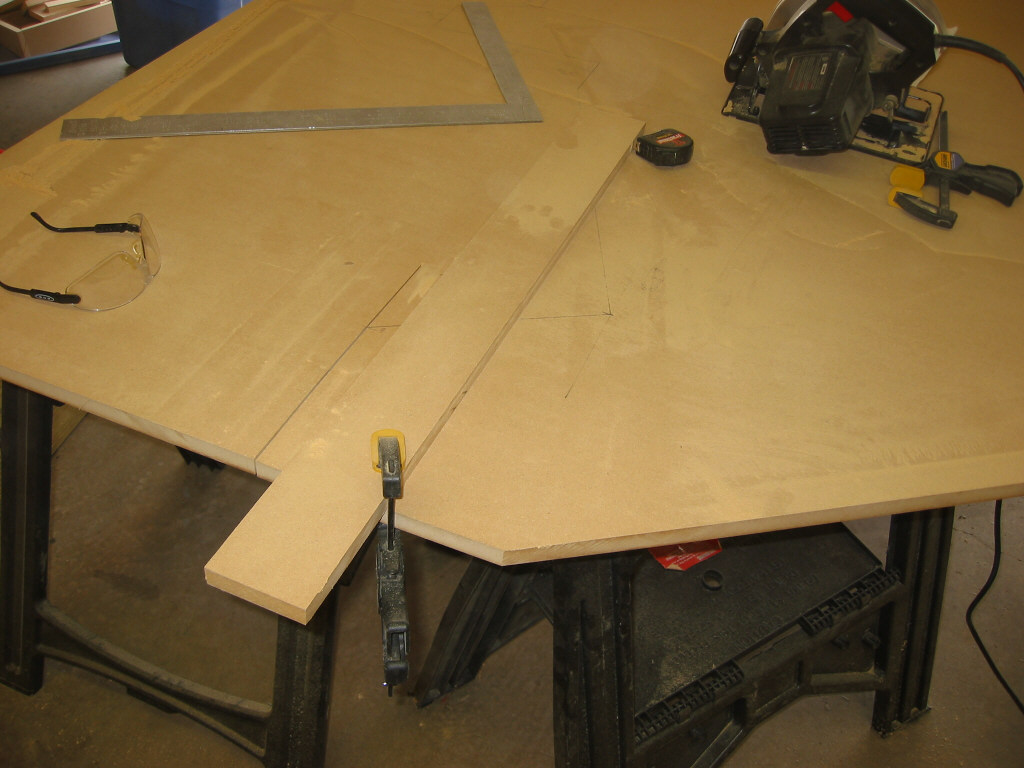
The fourth cut was made upward from the bottom toward the controller ledge. I used the circular saw and cut as close to the controller support as I safely could. Cut #6 was the straight section on the front of the controller area, again with the circular saw (see H). The rest of that area is cut with the jigsaw.


Jigsaw Cuts
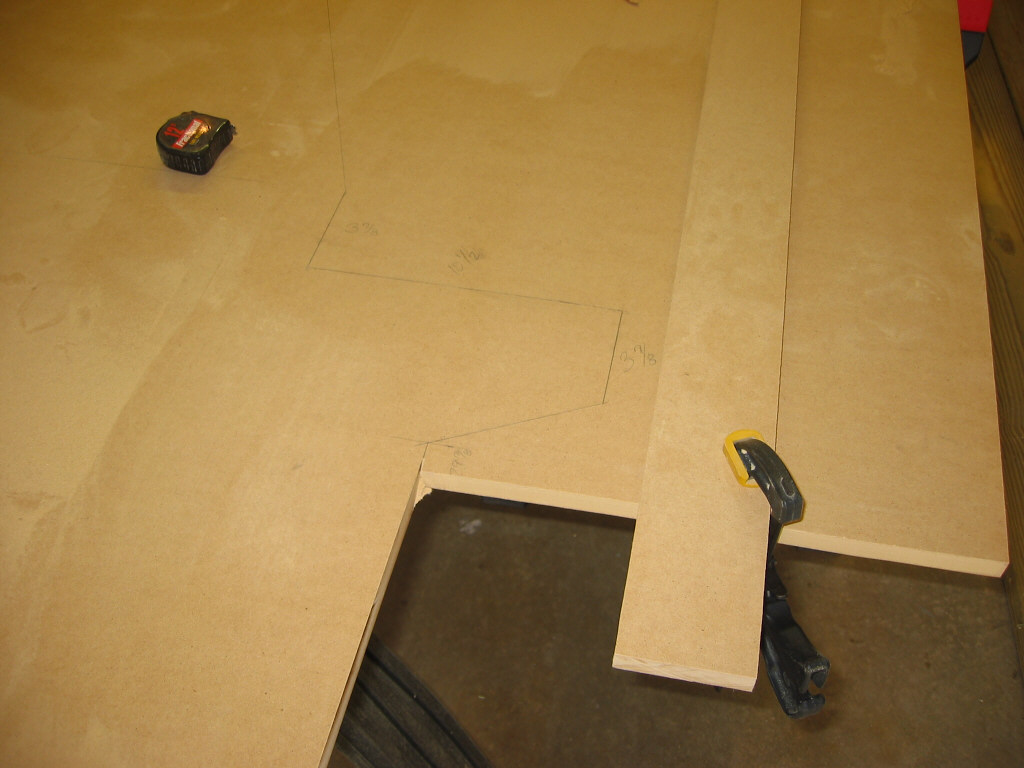
Photo I shows the progress so far. The jigsaw is used with a board as a straightedge to make the next cut (see J). It is used again for the top portion of the controller support (#7 and photo K). The speaker and monitor areas are also completed with the jigsaw; photo L shows the completed cuts.



Final Cut and Curve
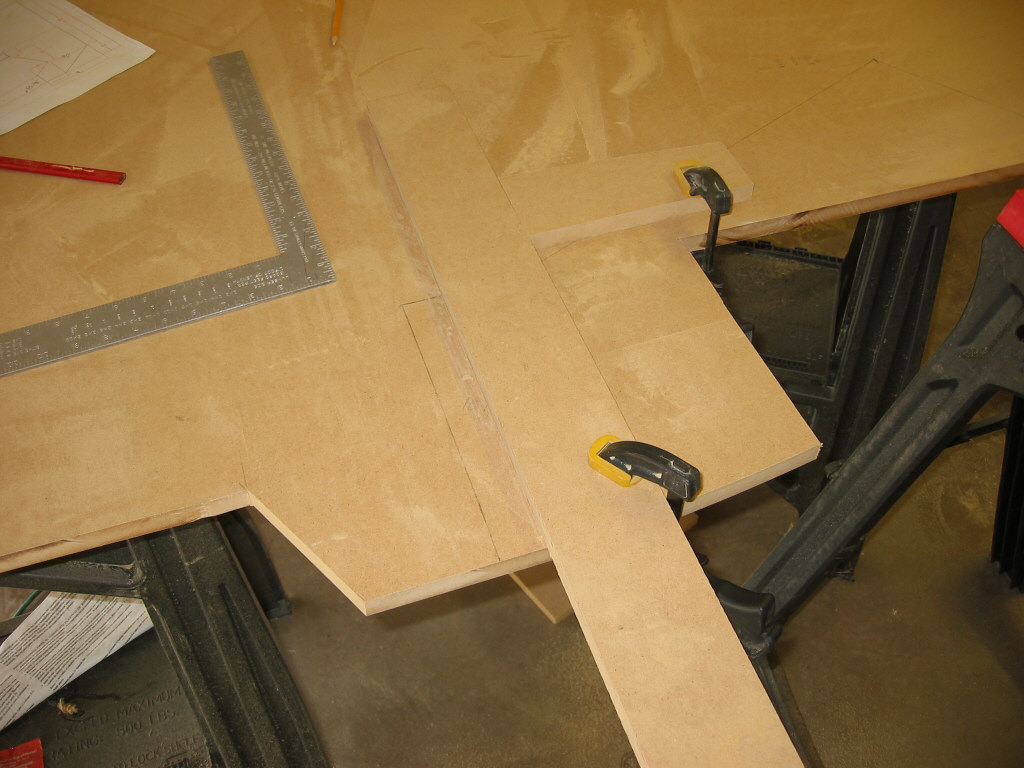
The final cut, #10, is done with the jigsaw. The slight curve was made with a sanding bit on the drill. A bit of sandpaper wound around a piece of 1" dowel and a little elbow grease could also do. Now you should have something resembling picture O.